




Are You Having Trouble Accessing myInfo?
If you cannot access your myInfo account and you have not received an Acknowledgement Email, please follow these steps to have your password reset:
Read the following before proceeding:
In order to reset your password and receive your username, you must allow for 24 hours from the date your application was received by Lakehead University to pass. Attempting to access myInfo before this time is not possible. If you cannot gain access and keep receiving the error "Sorry but that email address is not on file", try again the next day.
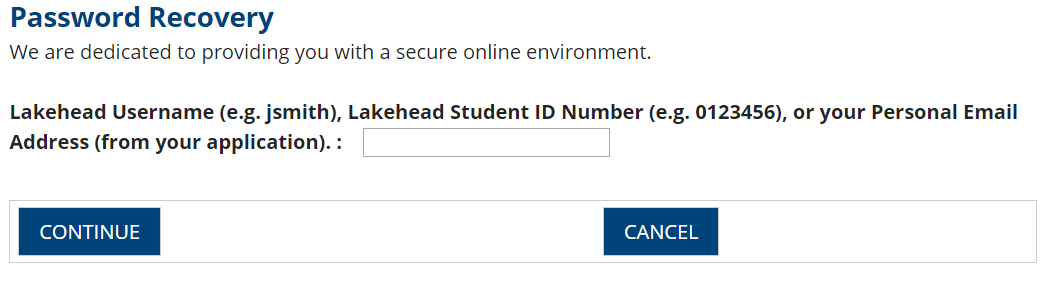
Step 1: Refer to the Account Recovery page found here and enter the email address you used to apply. Click "Continue".
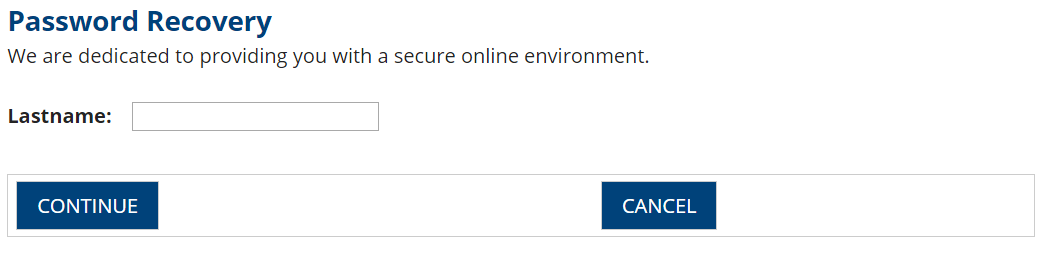
Step 2: Enter your lastname. Click "Continue".
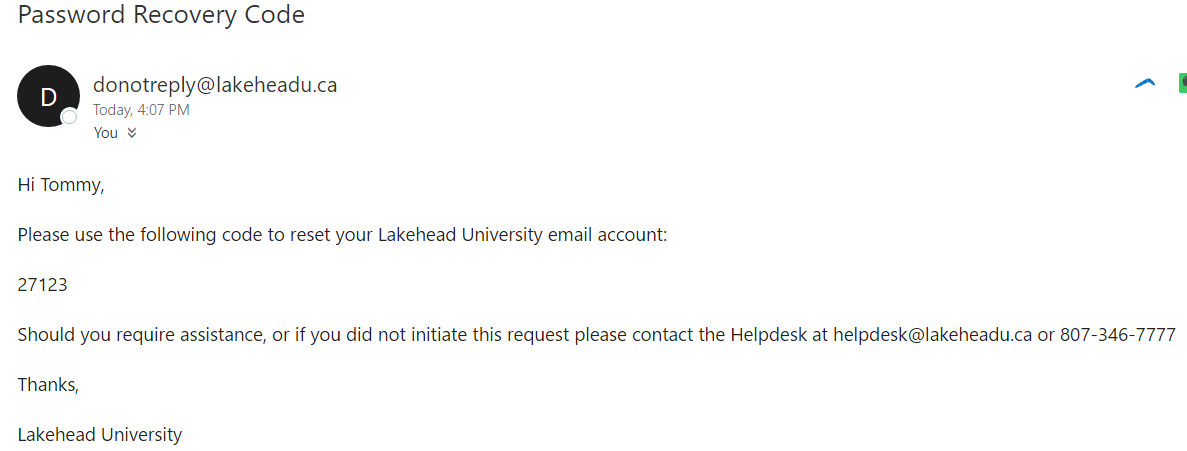
Step 3: After clicking "Continue" an email with a temporary code will be sent to your personal email address that we have on file. Below is an example of the email you should receive.
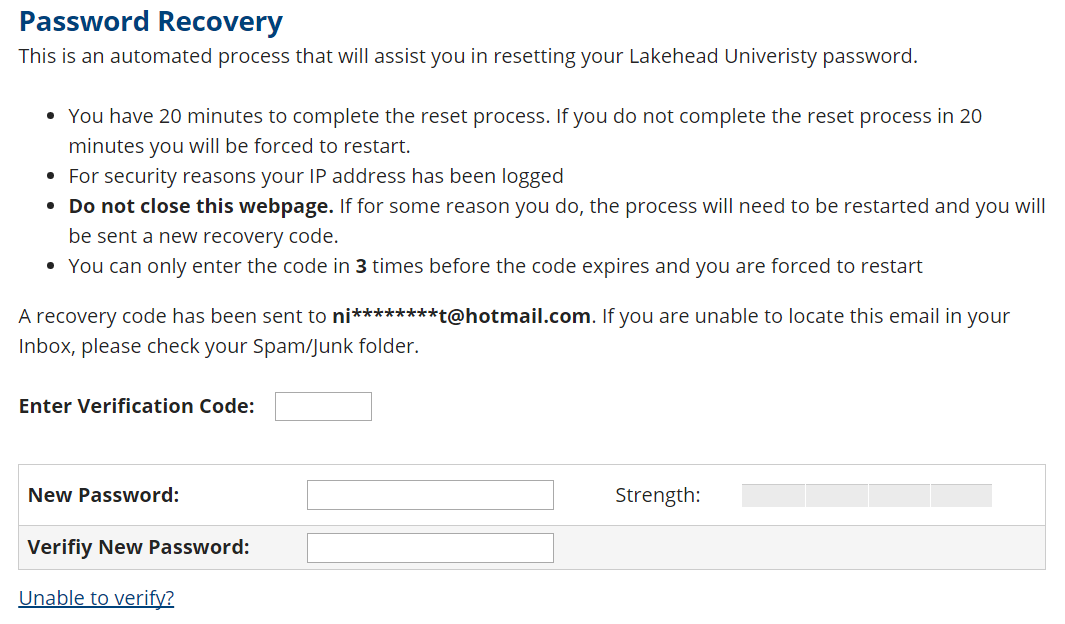
Step 4: Enter the code from the email into the "Enter Verification Code" field. Enter your new password. Make sure the strength boxes turn green.
Step 5: The reset process will inform you if your password was successfully reset. Take note of your username. Use the links to access myInfo or myEmail