



Are You Having Trouble Accessing myInfo?
If you cannot access your myInfo account using your Acknowledgement Email details, please follow these steps to have your password reset:
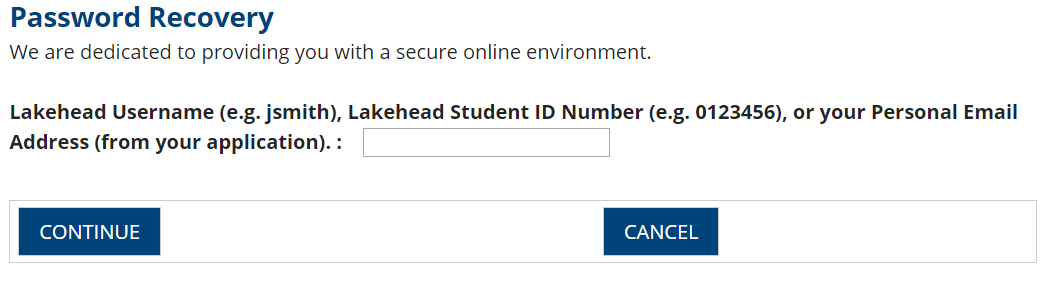
Step 1: Refer to the Account Recovery Page found here and enter your myInfo username from your Acknowledgement Email, or your Lakehead Student ID # from your Acknowledgement Email.
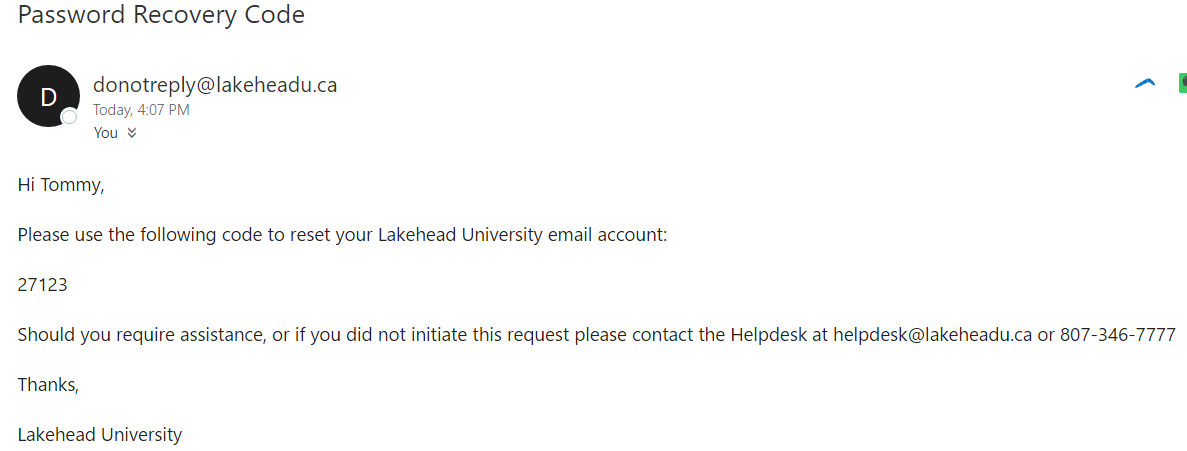
Step 2: Once you enter the details and click "Continue", an email with a temporary code will be sent to your personal email address that we have on file. Here is an example of the email you will receive:
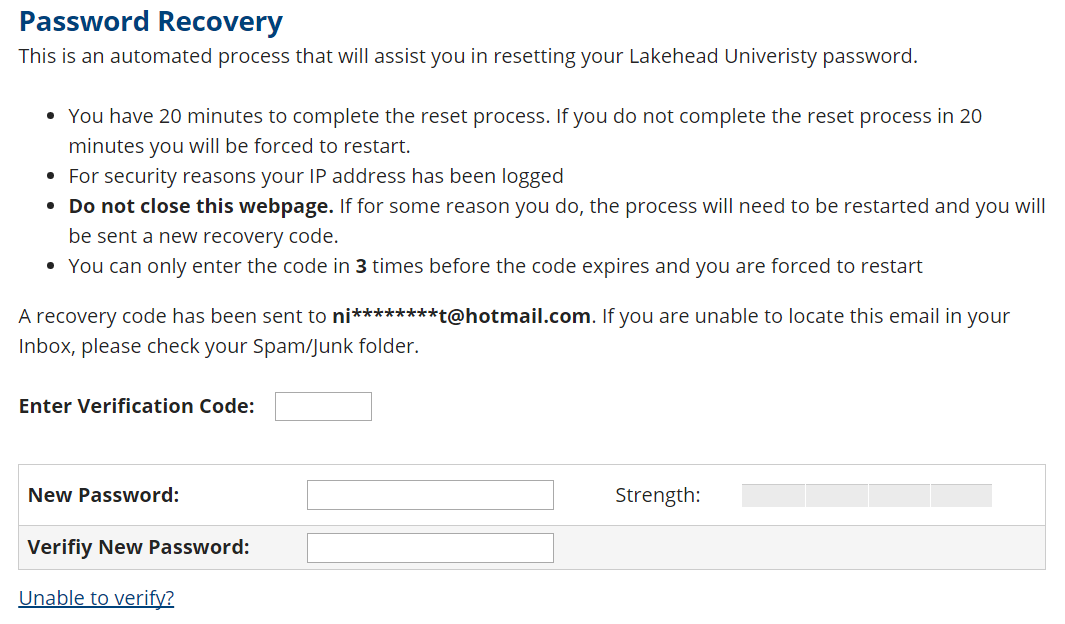
Step 3: Enter the code from the email into the "Enter Verification Code" field. Enter your new password. Make sure the strength boxes turn green.
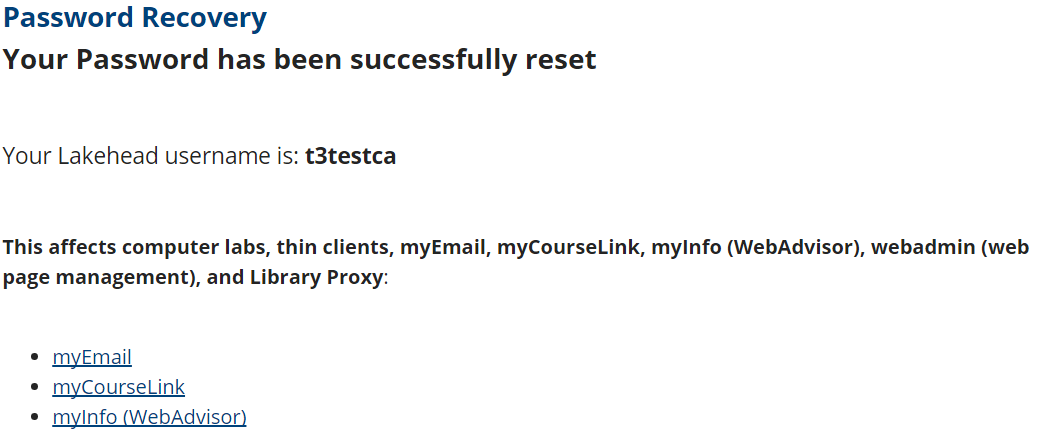
Step 4: The reset process will inform you if your password was successfully reset. Use the links near the bottom of the page to access myInfo or myEmail.