

Contact Us
Thunder Bay
Address:
Chancellor Paterson Library
Room LI 1015 (Main Floor)
Hours (EST):
Monday - Friday: 8:00 a.m. to 4:00pm
email: itsupport@lakeheadu.ca
Phone (Internal): 7000
Phone: +1 (807) 343-8010ext. 7000

Orillia
Phone: +1 (705) 330-4010ext. 7000
Google Hangouts
How to Setup Google Hangouts
This instructional document will guide you through setting up a Google hangout session.
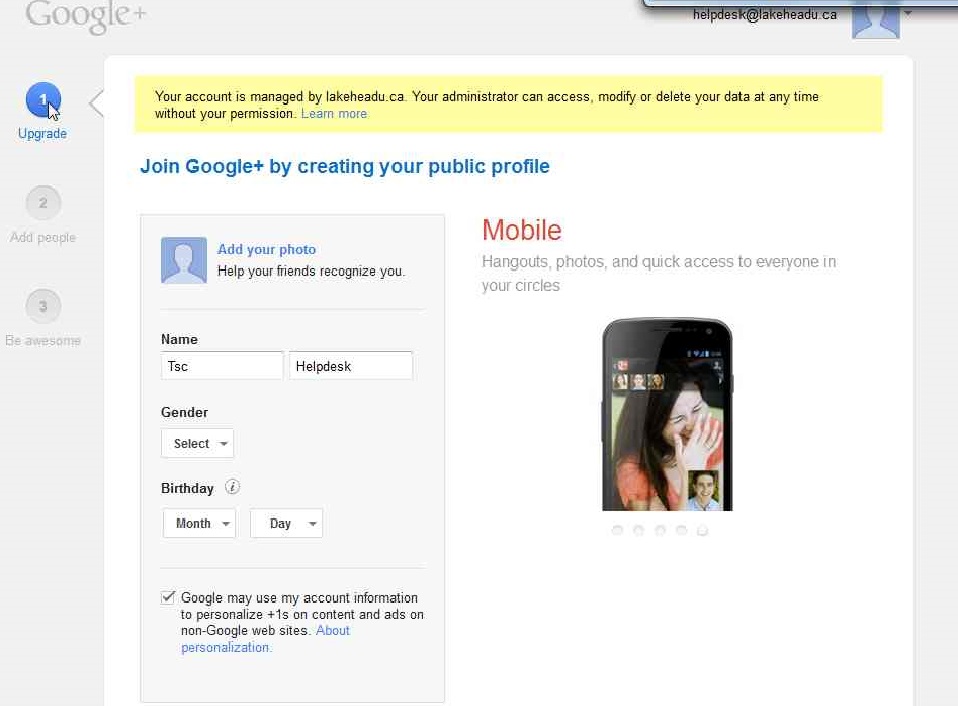
1. First you need to activate Google + on your myinfo/myemail account. Click +yourname while logged on to myEmail, and fill out the required Google form to activate your Google+ account.
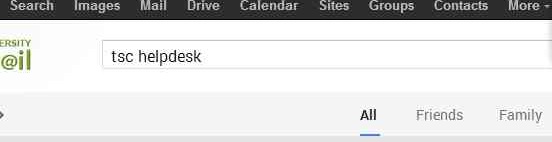
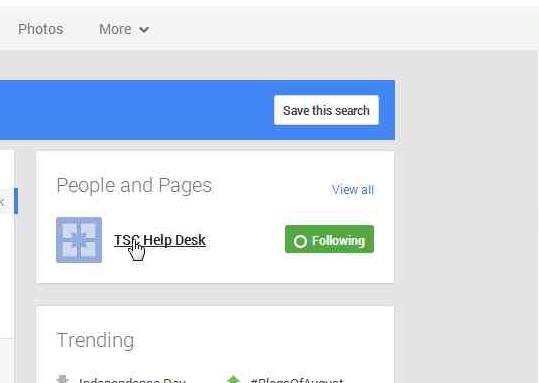
2. Find using the search bar, and follow TSC helpdesk page.
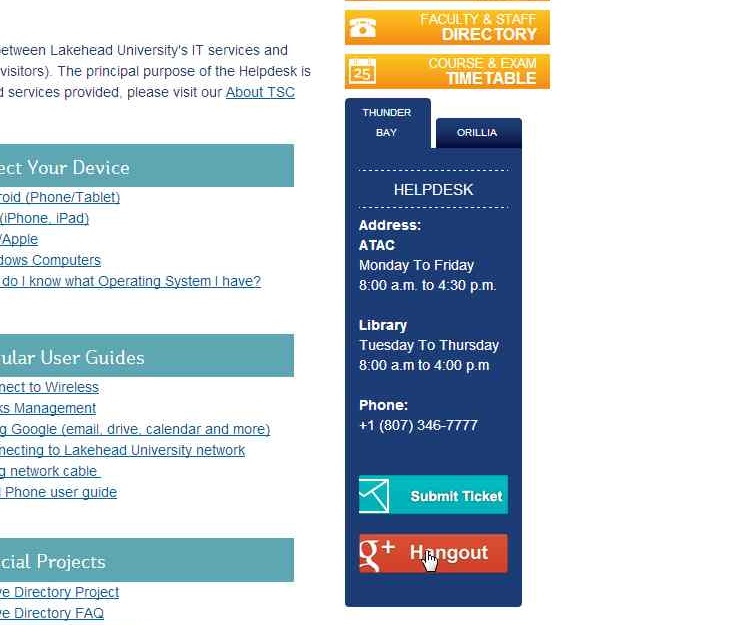
3. Click on the hangouts button located on the bottom right hand side of the page under our contact information on the helpdesk page. If you get a prompt requiring you to install a plugin, please proceed and install the plugin.
4. Under "Add People to this video call" enter TSC help desk, and it will populate a result with the page you selected to follow earlier.
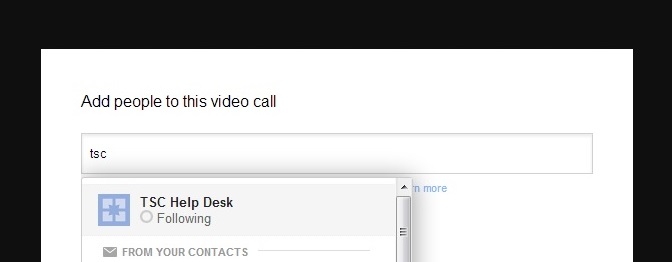
5. Click submit and wait for our staff to accept and join the hangout request.

6. You can now chat, video chat, and share your desktop view with helpdesk staff.